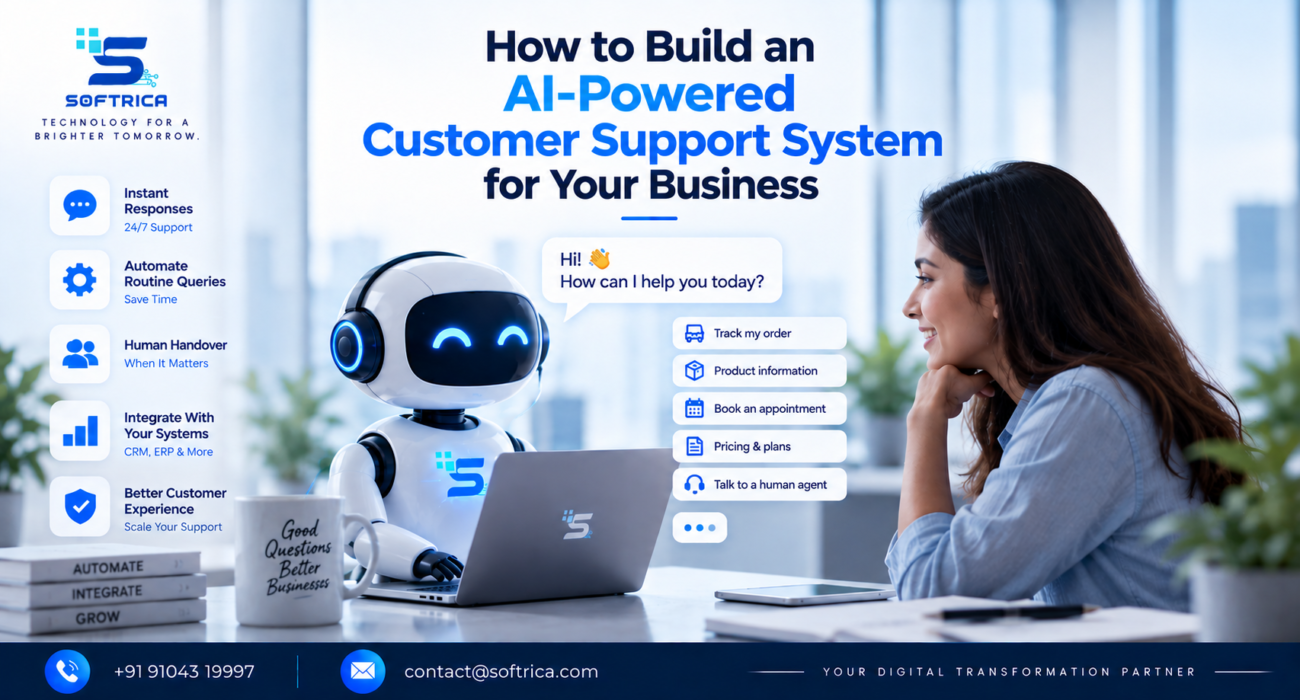
Customers don’t want to wait hours for an answer to a simple question.
Whether they’re asking about pricing, order status, service availability, appointments, or basic product information, they increasingly expect quick and convenient support.
For growing businesses, however, providing instant support 24/7 can be difficult. Hiring more people for every incoming question isn’t always practical.
This is where an AI-powered customer support system can help.
The goal isn’t to replace your support team. It’s to create a system that handles routine interactions automatically while allowing people to focus on conversations that require experience, empathy, and judgment.
What Is an AI Customer Support System?
An AI customer support system combines AI, automation, business data, and communication channels to help customers get relevant answers and assistance.
A typical system might look like:
Customer → AI Assistant → Business Knowledge → Action/Answer → Human Support
For example, a customer could ask about a product. The AI can understand the question, retrieve relevant information from an approved knowledge base, provide an answer, and escalate the conversation if the request requires human intervention.
1. Start With Your Most Common Questions
Don’t begin by trying to automate everything.
Identify the questions your support team receives repeatedly.
These might include:
- Pricing
- Product information
- Order status
- Service details
- Appointment information
- Delivery questions
- Basic troubleshooting
These repetitive interactions are often good candidates for customer support automation.
2. Connect AI to Your Business Knowledge
An AI assistant is only useful when it has access to accurate information.
Your system can be connected to approved business resources such as FAQs, product information, policies, documentation, CRM records, or internal knowledge bases.
This helps the AI provide responses based on your actual business information rather than generic answers.
3. Connect Your CRM and Business Systems
The next step is moving beyond answering questions.
With appropriate integrations, an AI system can interact with your CRM or other business applications.
For example:
Customer Query → AI → Identify Customer → Check CRM → Provide Status → Update Record
APIs and automation can connect the AI layer with your existing technology ecosystem.
4. Know When to Involve a Human
Not every conversation should be handled by AI.
A well-designed AI support solution should recognize situations where human assistance is necessary.
Complex complaints, sensitive requests, unusual problems, or high-value customer conversations can be transferred to the appropriate team member.
This creates a human + AI support model rather than an AI-only approach.
5. Measure the System
After implementation, track meaningful metrics such as:
- Response time
- Resolution rate
- Escalation rate
- Customer satisfaction
- Support workload
- Cost per interaction
Use these insights to continuously improve the system.
Build AI Customer Support With a Business-First Approach
The technology is only one part of the solution.
A successful AI chatbot for business needs accurate knowledge, thoughtful workflows, integrations, security controls, human escalation, and continuous monitoring.
For businesses in Surat, Gujarat, and across India, this can create a scalable support infrastructure without requiring every customer interaction to begin with a manual response.
Build Your AI Support System With Softrica
At Softrica Innovation, AI customer support is approached as part of a broader digital transformation strategy.
As a Digital Growth, Branding, IT & Digital Transformation Partner, Softrica can help businesses design and connect AI assistants, CRM systems, APIs, websites, automation workflows, knowledge bases, analytics, and business applications.
The objective isn’t simply to add a chatbot to your website.
It’s to build a customer support system that understands your business, connects with your technology, supports your team, and scales with your growth.
FAQs
1. What is an AI-powered customer support system?
It is a support setup that uses AI and automation to understand customer queries, provide relevant answers, perform selected actions, and escalate complex conversations to human agents.
2. Can AI customer support connect with a CRM?
Yes. Through APIs and integrations, AI systems can connect with CRM platforms to retrieve permitted customer information, update records, and trigger relevant workflows.
3. Can AI completely replace customer support employees?
AI can automate many routine interactions, but businesses may still need human support for complex, sensitive, or relationship-driven conversations. A hybrid AI-human model is often more practical.
4. How much does an AI customer support system cost?
The cost depends on factors such as the number of channels, AI capabilities, integrations, knowledge-base requirements, customization, security, and expected conversation volume. A business assessment is useful before selecting the technology.