
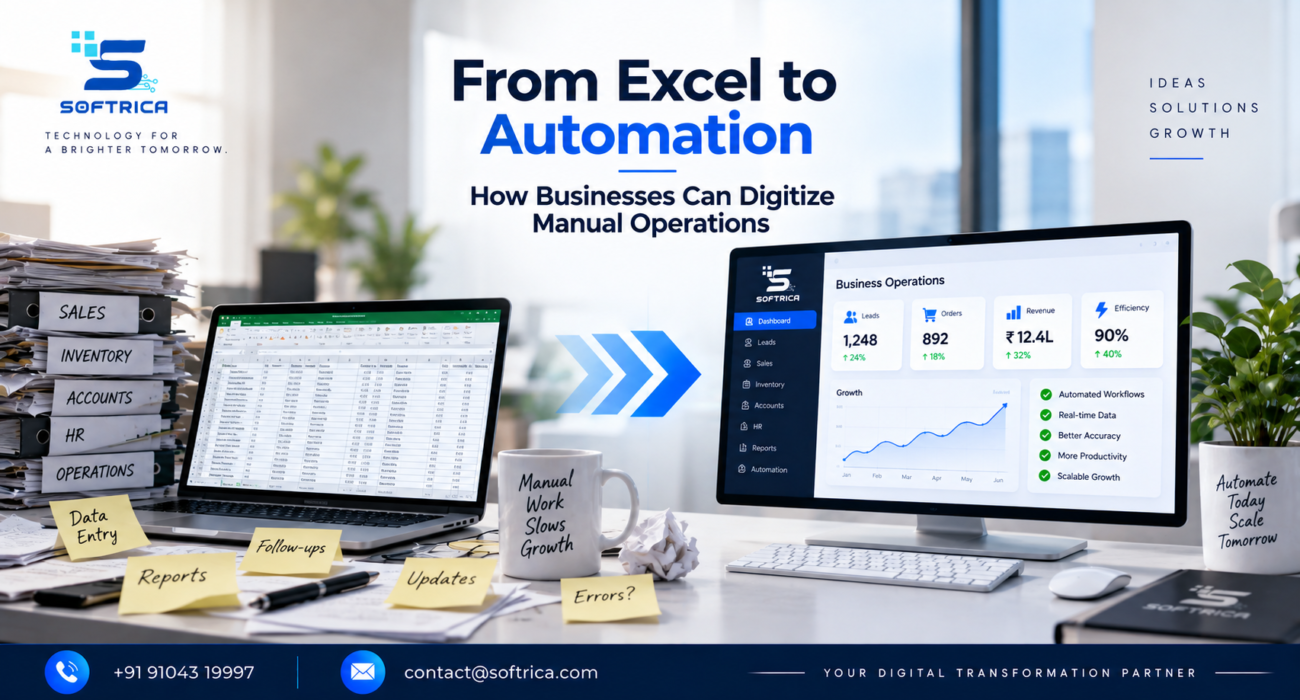
For many businesses, Excel is where everything starts.
Sales teams track leads in spreadsheets. Accounts manage financial data. Operations maintain inventory sheets. HR keeps employee records. Managers create reports by collecting information from multiple files.
Excel is useful—but when a growing business depends on spreadsheets for almost every process, problems start appearing.
Duplicate data. Manual errors. Version confusion. Delayed reports. Repetitive work.
The next step isn’t necessarily to abandon Excel overnight. It’s to identify where business process automation can turn repetitive manual operations into connected digital workflows.
Why Excel-Based Operations Become Difficult to Manage
A spreadsheet can work perfectly well for a small team.
But as data and employees increase, manually updating multiple spreadsheets becomes time-consuming. One employee may update a file while another is working from an older version.
Teams may also spend hours copying information between Excel, CRM systems, accounting software, emails, and other platforms.
The result is often more administrative work and less time for productive activities.
5 Operations Businesses Can Digitize
1. Lead Management
Instead of manually entering enquiries into Excel, businesses can automatically capture leads from websites, advertising platforms, and forms directly into a CRM.
2. Inventory Tracking
Stock levels, product movements, and reorder notifications can be managed through connected systems rather than manually updating multiple spreadsheets.
3. Reporting
Automated dashboards can collect data from different systems and provide management with updated information without someone preparing the same report every week.
4. Employee Processes
Attendance, onboarding, leave requests, document collection, and task assignments can be converted into structured digital workflows.
5. Customer Follow-Ups
Instead of maintaining follow-up lists manually, automation can trigger reminders, emails, WhatsApp communication, or tasks based on customer activity.
From Excel to Automation: What Does the Journey Look Like?
Businesses don’t need to automate everything at once.
A practical Excel to automation journey can look like:
Identify → Digitize → Integrate → Automate → Monitor → Optimize
Start with one repetitive process.
For example:
Excel Lead Sheet → Online Form → CRM → Automatic Lead Assignment → Follow-Up → Dashboard
Once the workflow proves useful, similar processes can be digitized.
Automation Is More Than Replacing Spreadsheets
The real objective of digitizing manual operations isn’t simply moving information from Excel into another software platform.
It’s creating a connected system where information moves automatically between the tools your business already uses.
This can include CRM, ERP, accounting software, websites, applications, communication platforms, APIs, AI tools, and analytics dashboards.
For businesses in Surat, Gujarat, and across India, this approach can create a stronger foundation for growth without forcing teams to manage increasingly complex operations manually.
Build Your Digital Operations With Softrica
At Softrica Innovation, we help businesses identify manual bottlenecks and transform them into connected digital workflows.
As a Digital Growth, Branding, IT & Digital Transformation Partner, Softrica can support businesses with workflow automation, CRM integration, custom software, AI solutions, APIs, dashboards, websites, and digital transformation.
The goal isn’t to eliminate Excel.
It’s to make sure your business isn’t dependent on Excel for processes that technology can handle better.
FAQs
1. When should a business move from Excel to automation?
Consider automation when spreadsheets are becoming difficult to manage, employees repeatedly enter the same information, reporting takes too long, or errors and version conflicts are affecting operations.
2. Does moving away from Excel require completely new software?
Not always. Businesses can integrate existing Excel workflows with CRM, ERP, databases, APIs, and automation platforms or gradually replace specific spreadsheet-based processes.
3. Which business processes are easiest to automate?
Repetitive and predictable processes such as lead capture, follow-ups, reporting, approvals, data entry, inventory updates, and notifications are often good starting points.
4. Can small businesses benefit from workflow automation?
Yes. Small businesses can start with one high-volume manual process and expand automation gradually as their operations and requirements grow.